
1. Definition / Conclusion
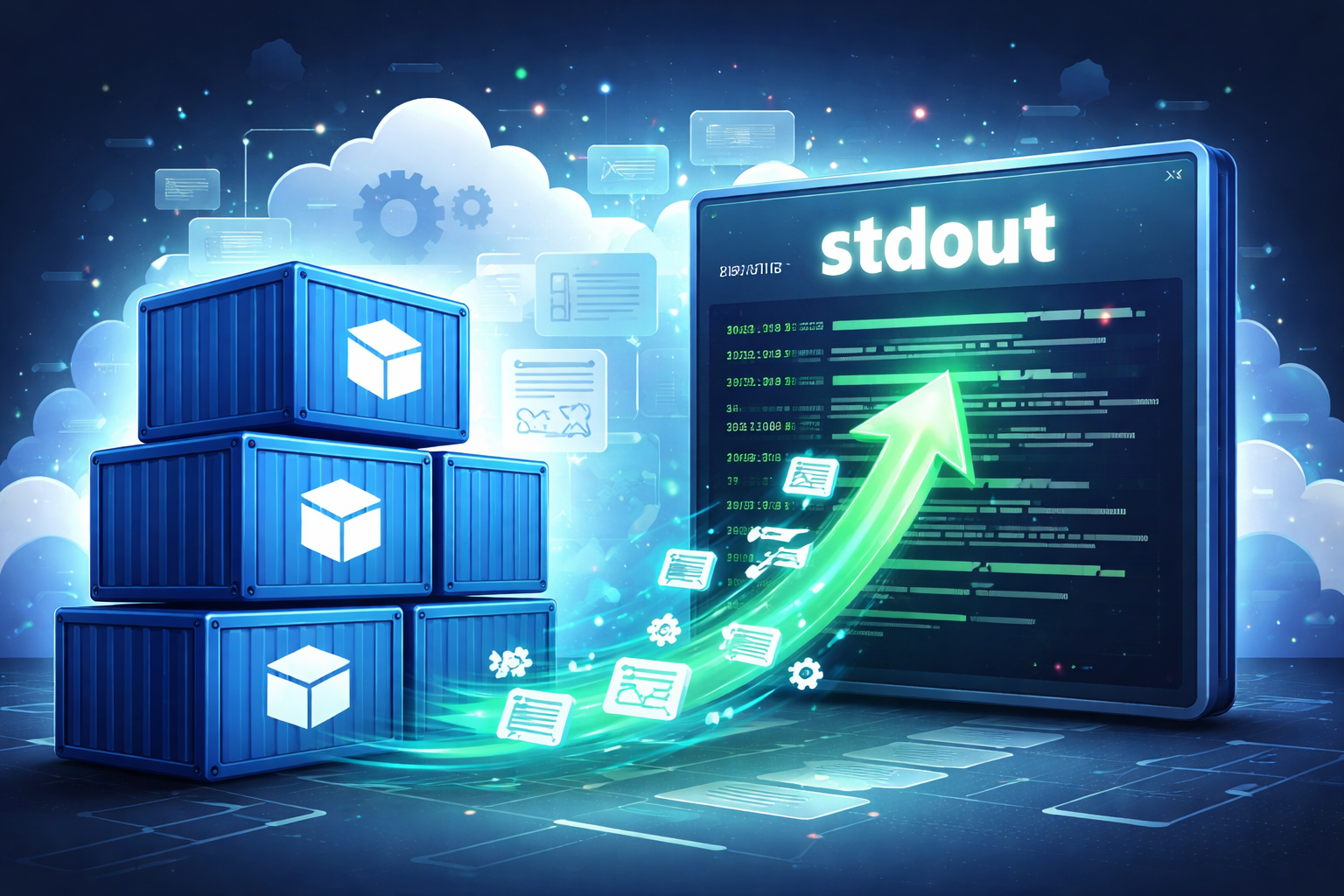
Sending container logs to stdout means that an application does not manage log files directly, but instead emits logs through standard output and standard error, allowing the container runtime to collect them.
This approach became the default in container environments because containers are ephemeral execution units, and relying on internal file logs immediately leads to log loss, collection complexity, and operational inconsistency.
2. Key Summary
In containers, logs are treated as something to stream rather than store.
File-based logging does not align with container deletion, redeployment, and scaling behavior.
stdout-based logging enables Docker, Kubernetes, and logging systems to handle logs in a unified and consistent way.
3. Why It Matters
In traditional server environments, applications writing logs directly to files such as /var/log/app.log did not create structural issues. Servers were long-lived, processes were relatively stable, and log access typically meant “connect to server → open file.” In this model, log files acted as the primary storage.
Container environments operate under different assumptions. Containers are created from images, replaced frequently due to failures or deployments, and often scaled horizontally across multiple instances. If each container writes logs to internal files, those logs become scattered, tied to individual containers, and may disappear when containers are removed. In other words, logs become tightly coupled to application state.
The solution shifts the responsibility. Applications stop managing storage and simply emit logs to stdout and stderr. Container runtimes such as Docker or containerd capture these streams. Kubernetes then exposes them via kubectl logs or forwards them to external systems like Fluent Bit, Fluentd, Vector, Logstash, or Loki. In this structure, the application is responsible only for generating logs, while the platform handles storage and delivery.
The impact of this design is substantial. Logs from dozens of scaled Pods can be collected uniformly. Even if containers are replaced, the logging pipeline remains intact. Operators no longer need to memorize file paths for each application, and developers do not need to embed file permissions, directory management, or rotation logic into application code. The standardization shifts from file locations to output interfaces.
4. Examples
Example 1. Python application writing logs to stdout and stderr
import sys
print("INFO: application started")
print("ERROR: database connection failed", file=sys.stderr)
The output is split between standard output and standard error. Docker collects both streams.
This works because the container runtime directly attaches to the process’s standard streams. As long as the process is running, all emitted output can be captured without opening any files.
This pattern applies equally to scripts, batch jobs, and API servers. The only requirement is to standardize output, not file paths.
Example 2. Viewing stdout logs in Docker
docker run --name demo python:3.12 python -c "print('hello from container')"
docker logs demo
The result shows hello from container.
Even though no log file was created, the log is visible because Docker captures stdout and stores it via its logging driver.
In practice, instead of asking “where is the log file,” the correct question becomes “what is the container emitting to stdout.”
Example 3. Viewing logs in Kubernetes
kubectl logs my-app-pod
kubectl logs -f my-app-pod
The first command shows accumulated logs, while the second streams logs in real time.
This works because Kubernetes exposes logs based on container stdout, not internal file paths.
Operationally, debugging starts with kubectl logs. With file-based logging, one would first need to locate the file path and gain shell access to the container.
Example 4. Configuring Java Logback to use console output
<configuration>
    <appender name="STDOUT" class="ch.qos.logback.core.ConsoleAppender">
        <encoder>
            <pattern>%d{yyyy-MM-dd HH:mm:ss} [%level] %logger - %msg%n</pattern>
        </encoder>
    </appender>

    <root level="INFO">
        <appender-ref ref="STDOUT" />
    </root>
</configuration>
Logs are emitted to the console instead of files. In containers, console output becomes the primary log source.
Using file appenders reintroduces file system concerns such as paths and disk management into the application layer.
Frameworks like Spring Boot, Quarkus, and Micronaut typically default to console logging in container environments.
Example 5. Comparing file logging vs stdout logging
# File-based approach
/app/logs/app.log

# Container-native approach
stdout / stderr
With file logging, logs require accessing the container filesystem.
With stdout logging, tools like docker logs, kubectl logs, and centralized systems all read from the same source.
The difference lies in responsibility. File logging forces the application to manage storage, while stdout logging limits the application to generation only.
In container environments, the latter aligns with system design.
5. Practical Usage
1) Running API services in Kubernetes
The scenario involves a Spring Boot API deployed across multiple Pods.
The problem is that Pod restarts or rescheduling make internal file logs difficult to track.
The solution is to standardize on ConsoleAppender and let node-level agents like Fluent Bit forward stdout logs to Elasticsearch or Loki.
The result is that scaling Pods does not change the logging pipeline, and debugging shifts from file tracking to service-level querying.
2) Running batch jobs in containers
The scenario involves Jobs or CronJobs executed periodically.
The problem is that logs stored inside containers may disappear after completion.
The solution is to emit all execution logs to stdout and rely on centralized storage.
The result is that no persistent volume is required for logs, and retention policies are managed externally.
3) Operating multi-language services
The scenario involves Python, Java, and Node.js services together.
The problem is inconsistent logging behavior due to different frameworks and file paths.
The solution is to enforce stdout logging and standardize formats such as JSON.
The result is simplified collection and reduced language-specific handling.
4) Sidecar and service mesh environments
The scenario includes application containers alongside proxies or sidecars.
The problem is fragmented log collection if each container writes to files.
The solution is to ensure all containers emit logs to stdout and distinguish them via metadata.
The result is that logging complexity does not scale with container count.
6. Common Mistakes
Mistake 1. Managing /var/log/app.log inside containers
Incorrect usage is creating and managing log files as in traditional servers.
The result is log loss on container restart or the need to access container internals.
The root cause is treating container storage as persistent. Containers are execution units, not archives.
The correct approach is to emit logs to stdout and let external systems handle persistence.
Mistake 2. Sending errors to files instead of stderr
Incorrect usage is sending INFO logs to stdout but ERROR logs to files.
The result is that kubectl logs shows only normal output, hiding failures.
The cause is misunderstanding stderr as a file target rather than a separate output channel.
The correct approach is to send errors to stderr and let the runtime collect both streams.
Mistake 3. Handling log rotation inside the application
Incorrect usage is implementing rotation, compression, and deletion within the application.
The result is conflicts with platform-level logging policies and increased complexity.
The cause is assigning storage responsibility to the application layer.
The correct approach is to delegate retention and rotation to the logging infrastructure.
Mistake 4. Assuming no logs exist if docker logs is empty
Incorrect usage is concluding that logging is absent when stdout is empty.
The result is overlooking logs written only to files.
The cause is not distinguishing between log generation and exposure.
The correct approach is to ensure console output is properly configured.
Mistake 5. Emitting unstructured log messages
Incorrect usage is printing vague strings like error occurred.
The result is poor searchability and observability in centralized systems.
The cause is focusing only on output channels, not log structure.
The correct approach is to include structured fields such as timestamp, level, and trace ID.
Mistake 6. Using persistent volumes unnecessarily for logs
Incorrect usage is attaching volumes for logs despite using stdout.
The result is redundant storage paths and operational confusion.
The cause is retaining file-based thinking.
The correct approach is to keep containers stateless and rely on centralized logging systems.
7. Related Concepts
stdout / stderr
Standard output channels used by processes to emit normal and error messages.
Logging driver
The mechanism Docker uses to store or forward logs, such as json-file or fluentd.
Sidecar logging
A pattern where auxiliary containers assist in log collection.
Structured logging
A logging approach using key-value or JSON formats for better analysis.
8. Deeper Dive
The stdout-based logging model is not just convenient; it reflects the nature of containers. A container is essentially a packaged process with a standard I/O interface. Treating logs as file artifacts reintroduces internal state, which contradicts the container model.
Another structural reason lies in orchestration systems. Kubernetes does not attempt to understand application-specific log paths. Instead, it relies on a universal interface: stdout/stderr. This abstraction allows consistent operations regardless of language or framework.
From a distributed systems perspective, local file logging creates another distributed problem: log collection. stdout-based logging avoids this by streaming logs directly into the platform pipeline. The shift is from local accumulation to continuous flow, aligning logging behavior with distributed system design.
9. Summary
Sending container logs to stdout is not a convenience choice but a structural necessity aligned with stateless design, scalability, and centralized logging.
File-based logging introduces state and complexity into containers.
stdout-based logging separates concerns: applications generate logs, platforms manage them.
This is why tools like docker logs and kubectl logs exist as first-class interfaces.
In container environments, the primary design question is not where to store logs, but how to emit them correctly through stdout and stderr.
