
AI Has Entered Notepad — A Subtle but Significant Change
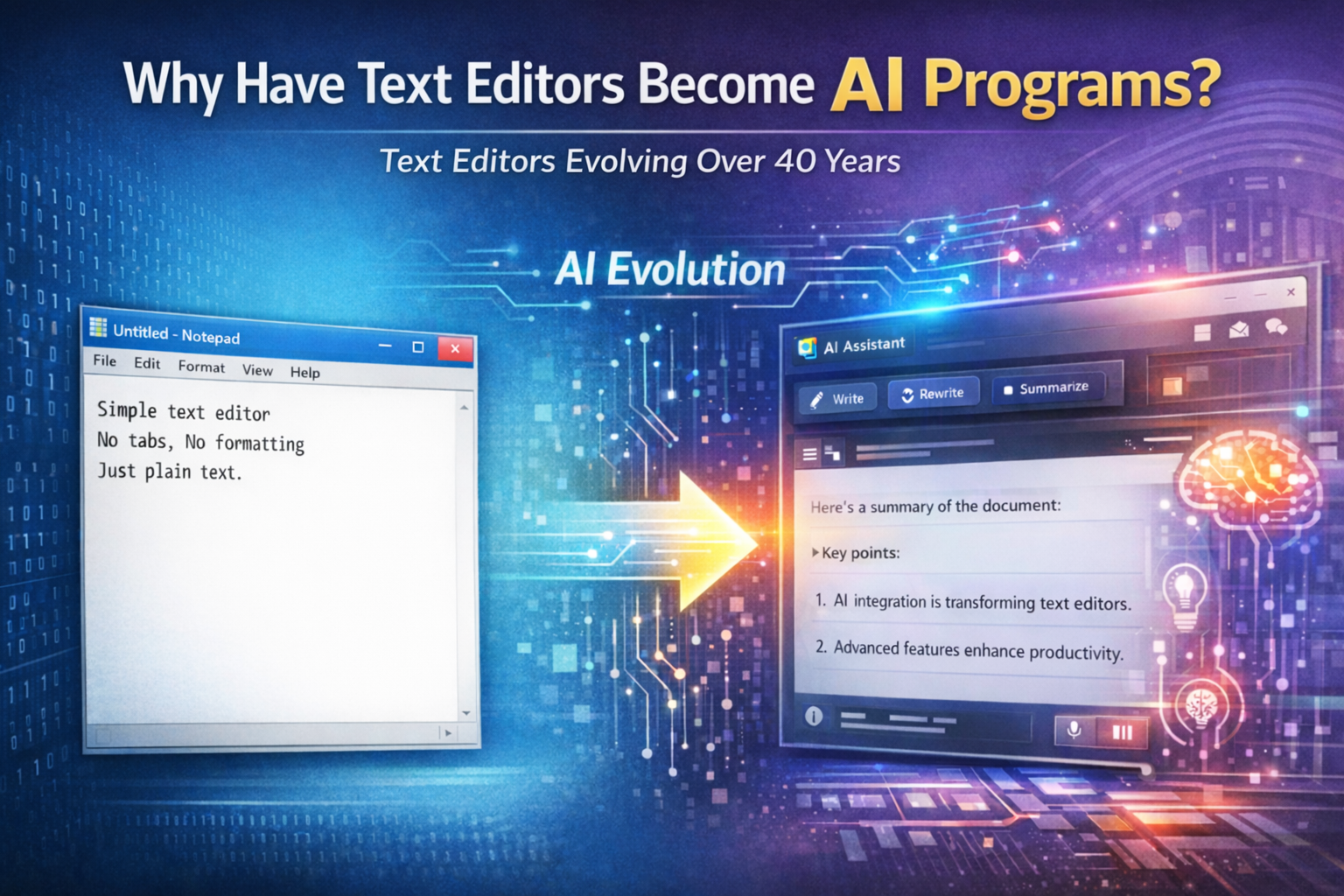
In early 2026, updates to Windows default apps released through the Windows Insider channel included an interesting change. The long-unchanged Windows Notepad began to expand its support for Markdown formatting, while also introducing AI-based text writing and summarization features. On the surface, this might look like a simple feature update—support for Markdown syntax such as strikethrough and nested lists, along with functions that rewrite or summarize text. However, when viewed in a broader context, this change is less about a routine update and more about a shift in the role of software that handles text. The fact that such changes are beginning in a basic program like Notepad is particularly telling.
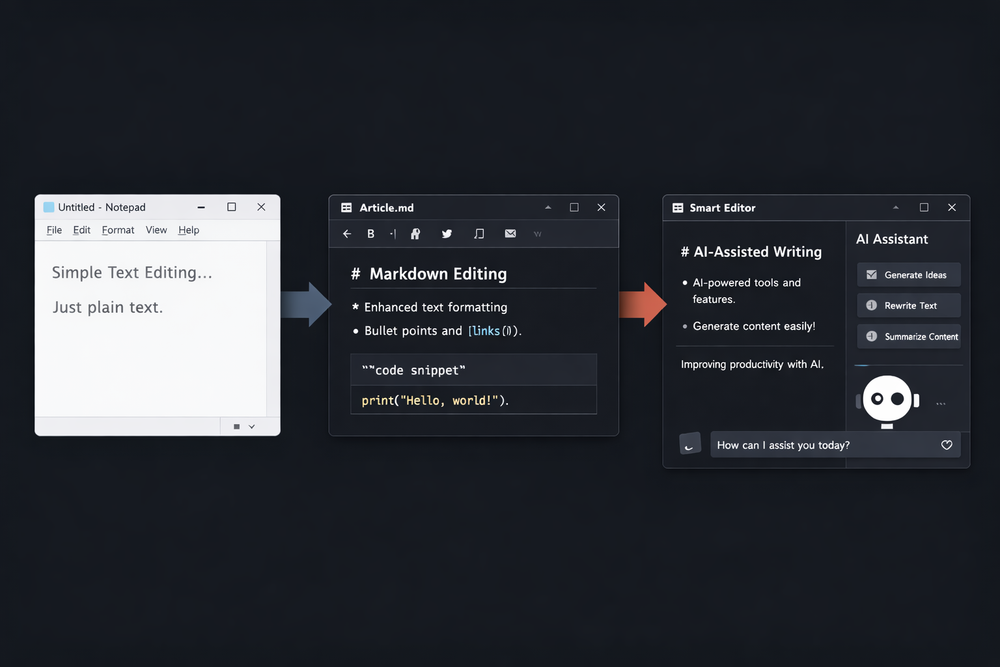
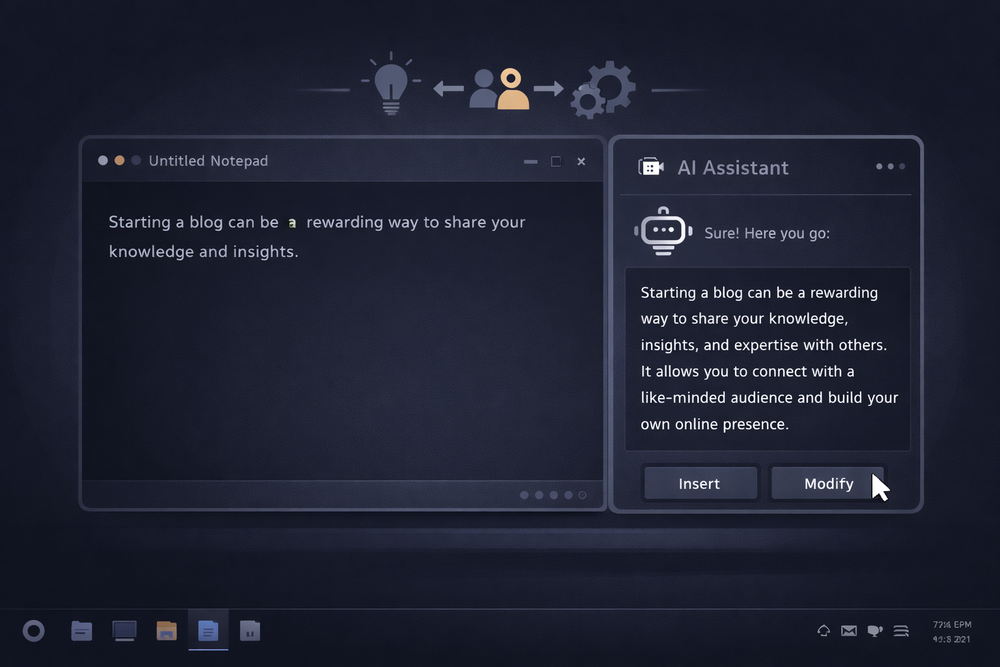
At one time, Notepad was a symbol of simplicity within Windows. It required no installation, no complex configuration—just a small tool that allowed users to open, edit, and save text. For many people, Notepad was essentially “the minimum program for opening text files.” But recent updates suggest that its direction is gradually changing. With the addition of lightweight formatting like Markdown, AI-powered rewriting and summarization, and even streaming-style text generation, Notepad is evolving. It is no longer just a tool for opening and saving text files—it is becoming an interface for generating and transforming text.
What is interesting is that this shift is not limited to Notepad. Around the same time, AI features also began appearing in other default applications such as Paint. For example, entering a text prompt can generate coloring-book-style images. These changes are not merely about adding new features—they indicate that basic operating system tools are increasingly taking on the role of the front-end for AI interfaces. In other words, small built-in programs are gradually becoming connected to broader AI platforms.
This naturally raises a question: why Notepad? Why is a program that has remained almost unchanged for decades suddenly gaining AI capabilities? Is this simply an attempt to add a few more features, or is it a signal that the very structure of software tools is changing? To understand this, we first need to examine what Notepad has been—and why it remained so simple for so long.
What Was Notepad Originally? — An Extremely Simple Program
The Windows Notepad we know today is one of the oldest pieces of software still in use. It has existed since the days of Windows 1.0 and has effectively grown alongside the operating system as a built-in tool. However, the historical significance of Notepad does not lie in being a feature-rich program—quite the opposite. Notepad was an extremely simple application. Early versions were essentially built on top of a multiline text input control provided by the Win32 environment. Adding basic file open and save functionality was enough to complete the program. Structurally, it consisted of little more than a text input field and file I/O.
This simplicity became Notepad’s defining characteristic. Because it lacked complexity, it launched quickly and behaved consistently across systems. It required no installation and was always available in any Windows environment. For many users, Notepad became a kind of minimal text tool. Whether opening a configuration file, checking logs, or temporarily pasting copied text, people naturally turned to Notepad. Regardless of whether they were developers or general users, it was the most accessible text editor for nearly all Windows users.
At the same time, this simplicity was also its limitation. As a plain text editor without formatting capabilities, it was too limited for writing documents and lacked convenience features for development work. There was no syntax highlighting, no plugin system, and for a long time, not even support for multiple tabs. As a result, Notepad occupied a unique position: a program that was always present but rarely used for actual work.
Despite this, Notepad survived for a simple reason. It was included by default in the operating system and could run under almost any condition. Even when more complex programs failed, Notepad would usually still work. For many developers, it became a kind of last-resort tool—the simplest and most reliable way to edit configuration files or inspect logs when the system was unstable.
Understanding this context makes Notepad’s recent evolution more intriguing. A program that was originally defined by extreme simplicity is now moving toward supporting Markdown and even incorporating AI capabilities. This naturally leads to the next question: if Notepad was so simple, where did real text work actually take place? And why did so many other text editors emerge?
The Cost of Simplicity — Why Notepad Was Inconvenient
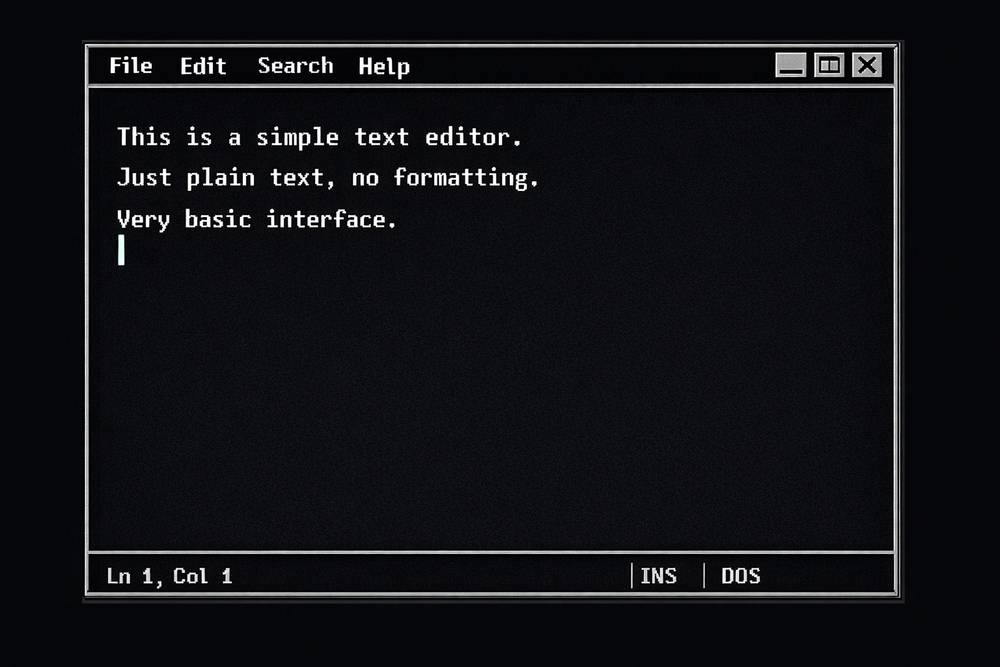
Although Notepad has long been included as a default application in Windows, the reason many users did not rely on it as their primary tool is fairly clear: it was too simple. Simplicity can be an advantage, but as soon as text work becomes even slightly complex, it quickly turns into a limitation. For example, early versions of Notepad often struggled with handling different character encodings. In particular, support for UTF-8 was introduced relatively late, so files created in other environments would often display corrupted text. For developers and system administrators trying to inspect logs or configuration files, this was a significant inconvenience.
Another well-known issue was line break handling. Windows and Unix-based systems use different newline conventions—Windows uses CRLF, while Unix systems typically use LF. Older versions of Notepad did not handle this difference properly, which meant that opening a Unix-style text file could result in all content being displayed on a single line. While this may seem like a trivial issue today, it forced many users to adopt alternative editors for quite some time.
Handling large files was also one of Notepad’s weaknesses. When log files or data files exceeded just a few dozen megabytes, the program would often slow down significantly or even freeze entirely. For system administrators and developers, this was a critical limitation. If a tool cannot reliably open and analyze large log files, it becomes practically unusable. As a result, users naturally began to look for more powerful text editors.
In this process, Notepad came to occupy an interesting position. It was included by default on nearly every Windows system, yet actual work was done elsewhere. Notepad remained present, but for many users, it became more like a temporary text buffer. For example, it was often used to quickly strip formatting from copied text or to briefly inspect a portion of a log file.
This situation naturally leads to another question. If Notepad was so limited, what text editors did people actually use? And how did those editors evolve over time? In the next section, we will explore the various text editors that emerged at this point—and the problems they were designed to solve.
So People Built Other Editors
Although Notepad existed as a default application, it was clear to many users that it lacked the features needed for real work. As a result, a wide range of text editors began to emerge. Their starting point was simple: add the features Notepad did not provide and make working with text more convenient. Over time, however, these small improvements accumulated, and the world of text editors evolved into a diverse ecosystem. Developers and system administrators, in particular, needed more powerful tools because they frequently worked with code, configuration files, and logs. As a result, various editors appeared even in the Windows environment, each evolving in different directions.
One representative example is Notepad++. As the name suggests, it began as an attempt to preserve the simplicity of Notepad while adding practical features for real work. With capabilities such as syntax highlighting, tabbed editing for multiple files, and support for large files, many developers began to use Notepad++ instead of Notepad. In particular, its plugin system—allowing users to extend functionality—transformed it from a simple editor into an extensible working tool. This shift demonstrated that text editors were no longer just input programs, but tools designed to improve productivity.
Another important trend emerged with editors like Sublime Text. This program became known for its speed and unique editing features. In particular, the multi-cursor feature introduced a new experience for many developers. The ability to edit the same pattern across multiple lines simultaneously may seem simple, but in practice, it significantly improved productivity. Features like this helped transform text editors from tools for entering characters into tools for structurally manipulating text.
During this period, text editors evolved through competition in different directions. Some emphasized speed, others focused on extensibility and plugins, while others aimed to redefine the editing experience itself. Yet they all shared one common trait: they emerged to address the limitations of Notepad, and as those features continued to advance, the role of text editors expanded. Ultimately, this evolution marked the transition of text editors from simple file editing tools into productivity-driven work environments. And this shift would lead to an even greater transformation in the next stage.
Editors Began to Become IDEs
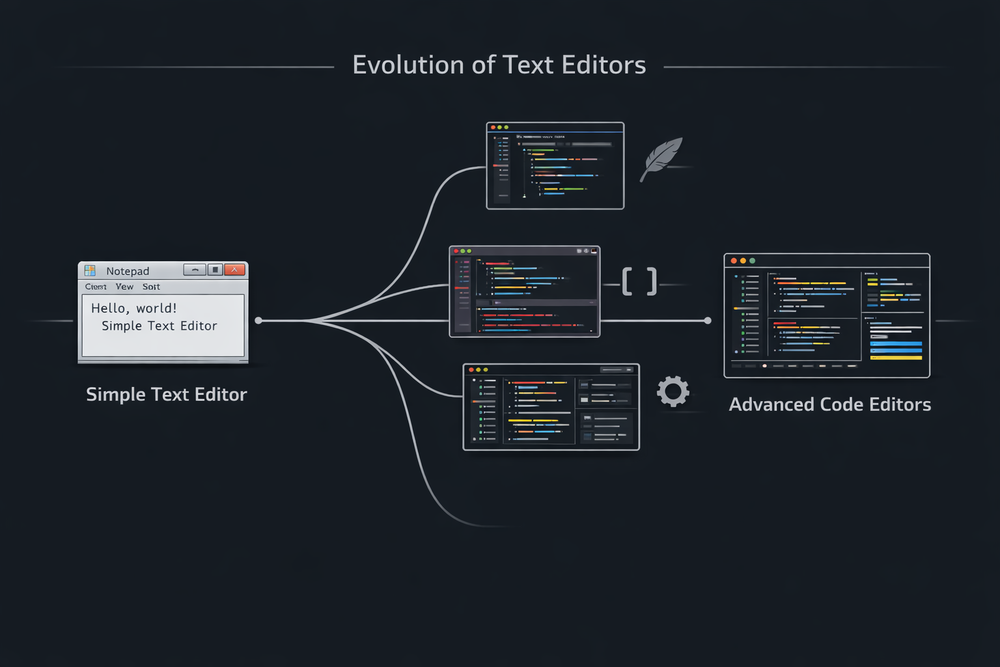
As text editors evolved, the next stage brought a much larger transformation. Rather than simply adding more editing features, text editors began to expand into full development environments. This shift became prominent after the 2010s, especially with the emergence of tools like Atom and Visual Studio Code. Until then, text editors had primarily been tools for writing code. But from this point on, they started to become platforms that supported a wide range of development tasks.
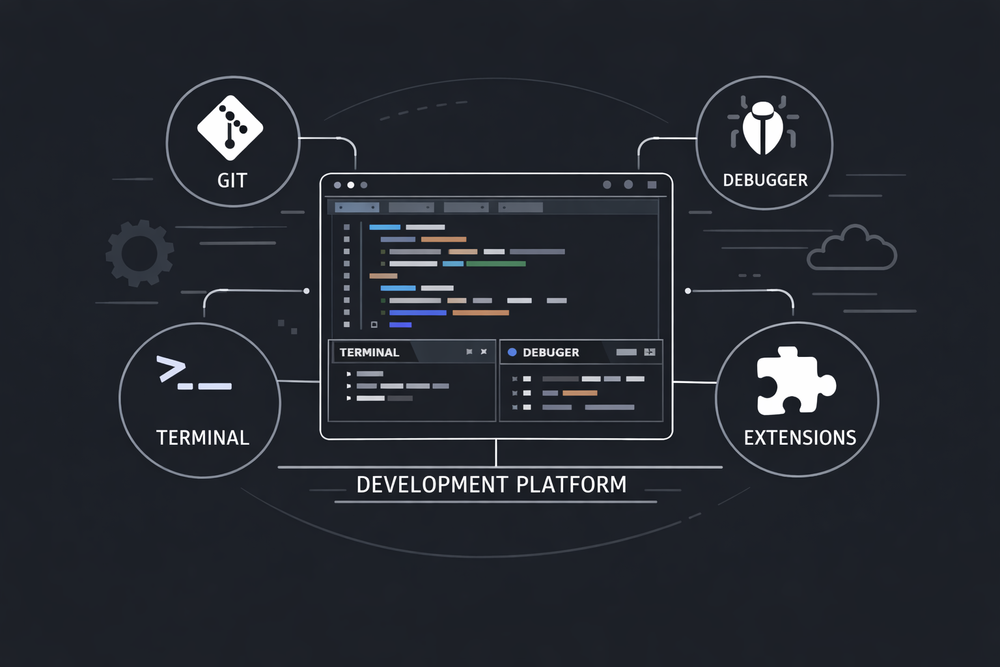
The rise of Visual Studio Code clearly illustrates this trend. When it was first introduced, VS Code was positioned as a relatively lightweight code editor. Over time, however, it incorporated more and more functionality. Features such as Git integration, debugging, terminal access, and an extensible plugin system were all brought into the editor. In particular, the introduction of the Language Server Protocol (LSP) marked a key turning point. With LSP, different programming languages could provide features like auto-completion, error highlighting, and refactoring in a consistent way. As a result, text editors evolved beyond simple editing tools into platforms that unified development environments across languages.
This transformation fundamentally changed the structure of development tools. In the past, IDEs and text editors were clearly distinct. IDEs were powerful but heavy, while text editors were lightweight but limited in functionality. However, with the rise of editors like VS Code, this distinction began to blur. Tools labeled as text editors started offering capabilities closer to full IDEs. Through extensions, developers could add support for new languages and integrate various development tools, turning the editor into a platform.
Ultimately, text editors were no longer just simple programs. Tasks such as writing code, managing version control, debugging, and running builds began to take place within a single interface. While this change brought convenience to developers, it also redefined what a text editor meant. What was once a simple tool became a comprehensive development platform. And this transformation laid the foundation for the next stage—the era in which AI becomes integrated into development tools.
And Then AI Arrived — The Era of Text Generation Tools
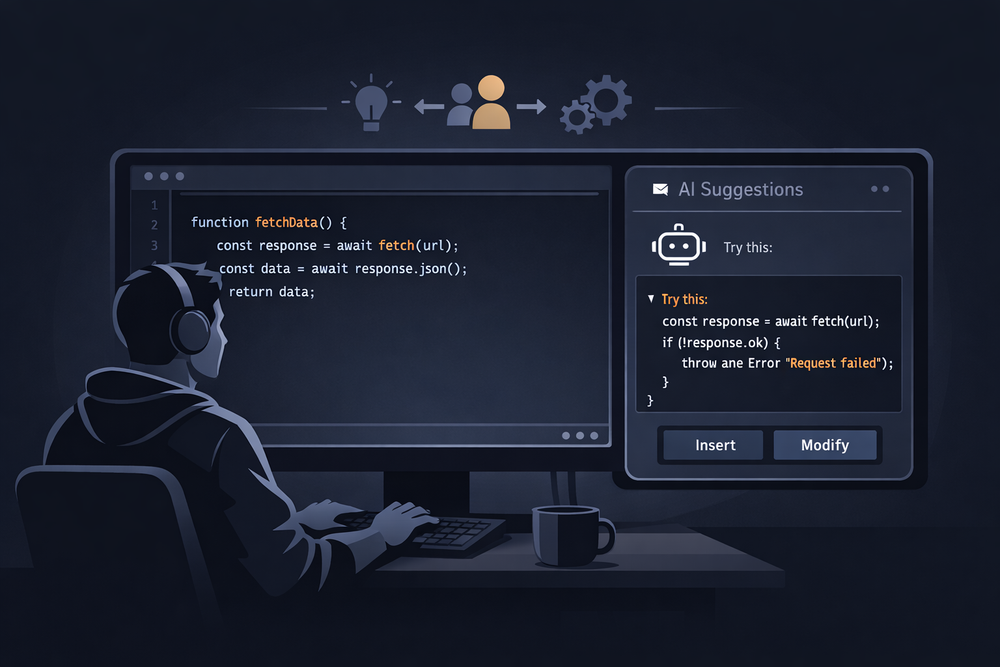
The next stage of text editors arrived faster than expected: the emergence of AI. With the release of GitHub Copilot, many developers experienced a shift that went far beyond a simple feature update. Previously, editors were tools for entering and modifying code written by humans. But with tools like Copilot, editors began to transform into interfaces that generate code. When developers write a few lines of code or provide a brief description, AI can automatically produce the rest.
At first, this change appeared to be just an enhanced assistance feature. Many saw it as little more than a smarter version of auto-completion. However, over time, this functionality began to move to the center of development tools. New editors like Cursor and Windsurf were designed with AI at their core. Instead of writing code directly, developers began describing their intent to AI, then reviewing and refining the generated output. At this point, the role of the text editor shifted once again. It was no longer just an input tool—it became a workspace where humans and AI collaborate.
As AI became integrated into editors, the structure of development work also began to change. In the past, writing code line by line was the core task of developers. In the era of AI-generated code, that role is evolving. Developers now spend more time designing system structures and reviewing and refining AI-generated code, rather than typing every line themselves. In other words, the editor is no longer just a text input window—it is becoming an interface connected to a knowledge generation system.
Seen in this light, the recent introduction of AI features into Notepad becomes easier to understand. If text editors are evolving from input tools into text generation tools, even the most basic editor cannot remain outside that trend. The transformation of Notepad may be a signal that this shift is extending even to the simplest programs. And at this point, we return to the original question: why is a program as simple as Notepad beginning to incorporate AI capabilities? In the next section, we will explore the structural background behind this change.
But Why Did Even Notepad Enter This Trend?
Looking back at the trajectory so far, the evolution of text editors follows a fairly clear direction. They began as simple text input tools, evolved into productivity-focused editors, and eventually expanded into platforms that encompass entire development environments. In recent years, AI has started to move to the center of this evolution. While this progression feels natural within developer tools, what is particularly interesting is that it is no longer limited to specialized tools—it is extending even to the simplest programs built into operating systems. A representative example is Windows Notepad.
Why did Microsoft begin adding AI features to a basic program like Notepad? To understand this, we need to look at how the role of the operating system itself is changing. In the past, operating systems primarily served as environments for running applications. Users installed various software and performed tasks through those programs. However, modern operating systems are increasingly embedding more functionality directly into their default tools. Features such as web browsers, image editors, and document viewers have become built-in, and now AI capabilities are being integrated into these core utilities as well. In other words, the operating system is shifting from being a platform that runs programs to becoming an interface that directly supports user tasks.
Within this shift, Notepad occupies a particularly important position. It is the most accessible text tool in Windows—users can immediately start typing without launching complex software, and it behaves consistently across systems. From Microsoft’s perspective, this makes Notepad an ideal entry point for integrating AI into everyday text workflows. For example, users can write a simple note while also refining sentences, summarizing content, or transforming text into different formats. In this sense, Notepad is no longer just an editor—it is becoming the most basic gateway to AI-powered text interaction.
Another interesting development is the addition of Markdown support. Originally popular within developer communities as a lightweight document format, Markdown has now become a de facto standard across many tools and services. It is widely used in GitHub, Notion, various documentation systems, and even in interactions with AI models. Markdown allows text to be expressed not just as raw characters, but as structured content. From this perspective, Notepad’s support for Markdown is not merely a formatting feature—it represents a shift toward adopting structured text for the AI era.
Ultimately, the transformation of Notepad carries meaning beyond a simple feature update. It signals that even the most basic tools within an operating system are becoming connected to AI platforms, and that text-based work itself is increasingly merging with intelligent systems. Notepad remains one of the simplest programs, yet it is now a place where AI can understand and transform text. And this shift prompts a deeper question about where the future of text editors is heading.
The Future of Text Editors — A Split into Two Directions
Looking back at the history of text editors, an interesting pattern emerges. Editors have consistently evolved toward more features, yet at the same time, extremely simple tools have continued to survive. For example, modern editors like VS Code include a vast range of features and extension systems, making them closer to full development platforms. In contrast, older editors like Vim or nano are still widely used. Despite their limited functionality, they are fast, stable, and focused on directly handling text. This contrast shows that text editors do not evolve in a single direction.
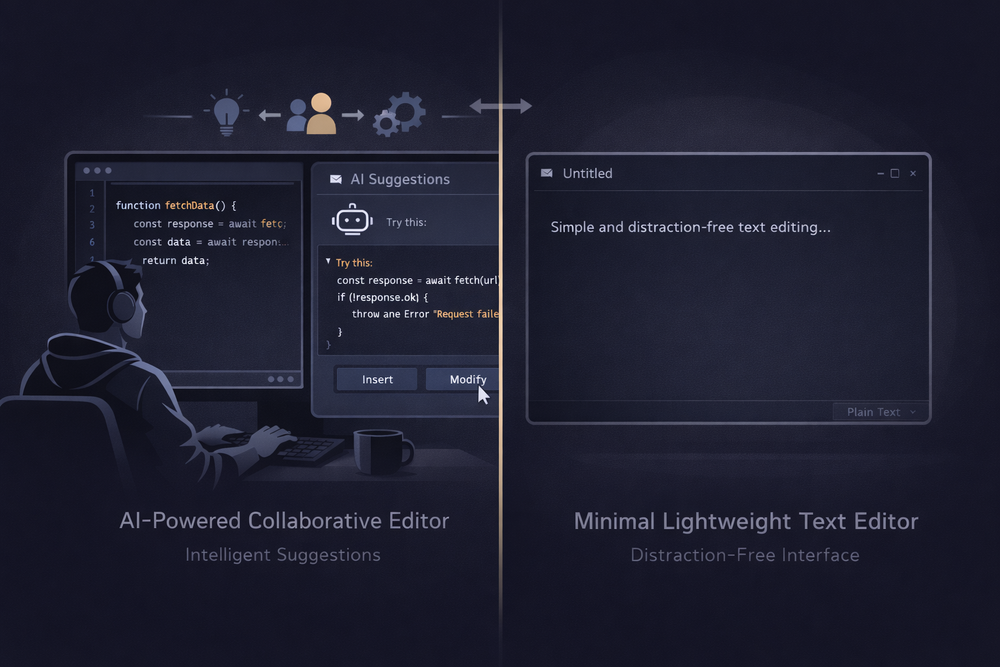
With the emergence of AI, this divergence is likely to become even more pronounced. On one side, new editors designed around AI are appearing. These tools assist with generating code and writing documents, creating environments where users and AI collaborate. In this context, the editor is no longer just an input tool—it becomes an interface connected to a knowledge generation system. Developers and writers increasingly describe their intent to AI and refine the results, rather than typing everything themselves. This trend is likely to grow stronger over time.
At the same time, an opposite trend persists. Many users still prefer simple, lightweight tools. When editing basic text files or configuration files, fast and minimal editors are often more convenient. In these situations, AI features or complex interfaces can become distractions rather than advantages. As a result, extremely simple text editors are likely to continue existing. For tasks that involve directly typing and quickly modifying text, such tools remain the most efficient.
Ultimately, the future of text editors is likely to split into two directions. One is the rise of intelligent editors deeply integrated with AI, and the other is the continued presence of lightweight editors that remain simple input tools. Rather than competing, these two directions will likely coexist, serving different use cases. AI-driven editors will be more effective for complex writing and code generation, while simple editors will remain better suited for quick edits and system-level tasks. This divergence suggests that text editors will continue to evolve while existing in diverse forms.
A Small Program That Reveals the History of Software
This article began with a simple question: why is a basic program like Notepad starting to incorporate AI features? At first glance, it seemed like a minor update. But when we look more closely, we find that it connects to the long history of text editors. Notepad has long been a symbol of simplicity—a tool that does nothing more than open files, allow text input, and save them. However, over time, the environment for working with text has become increasingly complex, and a wide range of editors have emerged, evolving in different directions.
Through this process, text editors transformed from simple input programs into productivity tools, and later expanded into development platforms. More recently, they have begun to evolve into text generation tools through integration with AI. This shift is not about a single program—it reflects a broader transformation in how software is produced. The way we write text and code itself is changing. AI is not just a technology that adds new features; it is also reshaping how humans and computers collaborate.
From this perspective, the transformation of Notepad appears symbolic. A program once defined by extreme simplicity now includes AI capabilities. Of course, Notepad remains a small tool compared to complex development environments. But that is precisely what makes it significant. The fact that even the simplest program is undergoing this transformation suggests that the entire structure of text-based software is changing.
At the center of this shift lies another interesting element: Markdown. Many modern services now use Markdown as a common document format, and AI models are highly adept at understanding its structure. Markdown allows text to be expressed not just as plain strings, but as structured documents. For this reason, many text tools are being redesigned around Markdown. In the next article, we will explore this point further—examining why so many modern text tools are converging back toward Markdown.
