
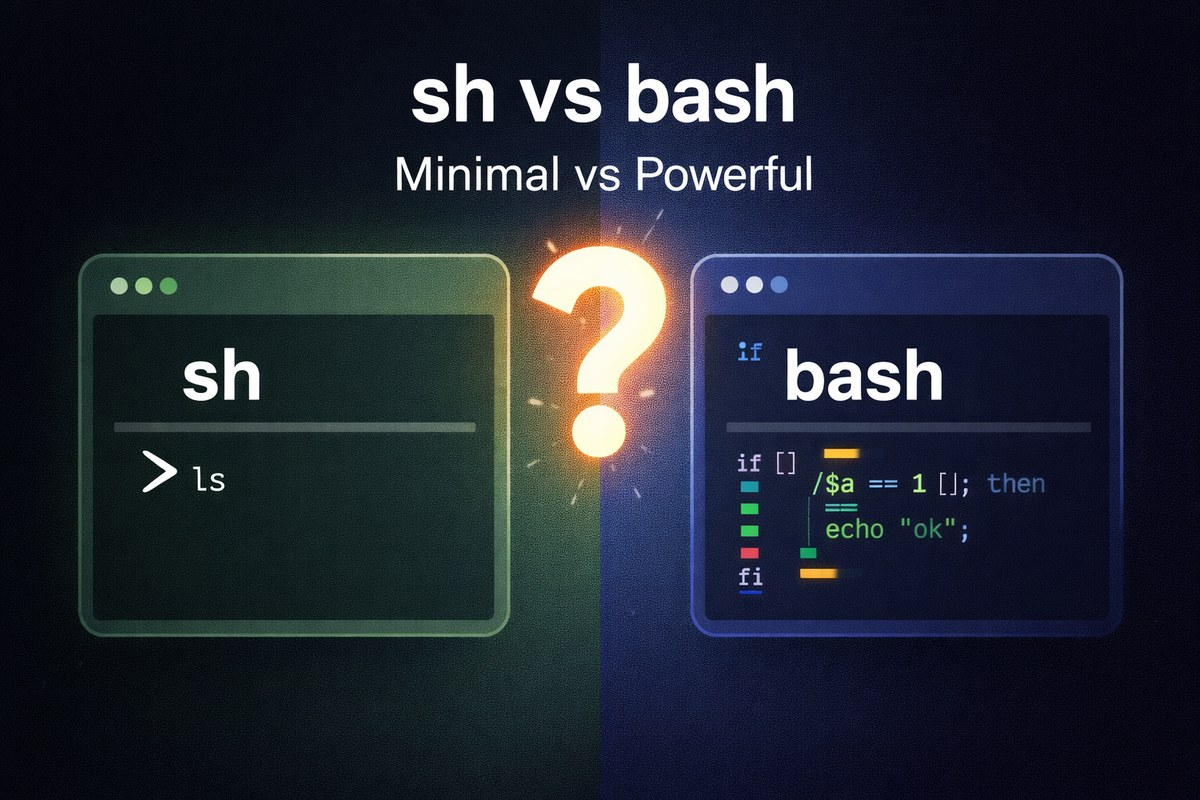
1. Definition / Conclusion
sh is closer to a minimal common shell interface, while bash is a shell that adds extended features on top of that base. This difference is not just about naming, but about which syntax is allowed and where a script can run safely.
2. Key Summary
sh prioritizes compatibility and portability. bash provides extended syntax such as arrays, [[ ]], and brace expansion. If a script must run safely across multiple environments, sh is appropriate, while bash is suitable when more features are required and the execution environment can be controlled.
3. Why It Matters
The problem starts from the fact that sh and bash look similar on the surface. Both execute commands, and variables and conditionals appear similar, which makes it easy to treat them as interchangeable. However, once scripts include branching logic, string processing, and loops, the differences become immediately visible.
The limitation comes from the difference between development and runtime environments. A developer may test in an environment where bash is the default shell, while the actual server may link /bin/sh to a lightweight shell such as dash. In that case, code that works locally can fail only in production.
The solution is to define the standard first. If the script must run across diverse environments, it should be written using sh conventions. If bash features are required, the script must explicitly declare bash in the shebang. Once this boundary is fixed, syntax choices, testing strategy, and deployment behavior become consistent.
4. Examples
Example 1. Difference between [[ ]] and [ ]
#!/bin/bash
name="admin"
if [[ "$name" == "admin" ]]; then
  echo "ok"
fi
The result is that ok is printed in bash. This works because [[ ... ]] is an extended conditional expression provided by bash. Since this syntax is not guaranteed in sh, it must be rewritten as follows.
#!/bin/sh
name="admin"
if [ "$name" = "admin" ]; then
  echo "ok"
fi
In practice, the second form is safer when the script must run across multiple servers.
Example 2. Array usage
#!/bin/bash
arr=("apple" "banana" "cherry")
echo "${arr[0]}"
echo "${arr[1]}"
The result is that apple and banana are printed. This happens because bash supports arrays. In sh, this syntax is not expected to work, so positional parameters must be used instead.
#!/bin/sh
set -- apple banana cherry
echo "$1"
echo "$2"
The practical implication is that as data structures become more complex, bash becomes more convenient, but it also requires a bash runtime.
Example 3. Brace expansion
#!/bin/bash
echo file_{1..3}.log
The result is expanded into file_1.log file_2.log file_3.log. This happens because bash performs brace expansion. Since this is not guaranteed in sh, a loop-based approach is safer.
#!/bin/sh
i=1
while [ "$i" -le 3 ]
do
  echo "file_${i}.log"
  i=$((i + 1))
done
In practice, predictable behavior is more important than shorter syntax in portable scripts.
Example 4. Shebang difference
#!/bin/sh
echo "hello"
#!/bin/bash
echo "hello"
The output may be the same, but the interpreter is different. As a result, the allowed syntax range is also different. In practice, the script body and the shebang must always match.
5. Practical Usage
In Docker entrypoint scripts, lightweight base images may not include bash. Writing entrypoints using sh reduces image dependency and ensures consistent execution behavior.
In CI/CD scripts, the default shell of the runner may differ from the developer’s local environment. If bash features are required, #!/bin/bash must be explicitly declared and the pipeline must enforce bash execution to align testing and deployment results.
In system initialization scripts, execution environments are often highly restricted. Using sh reduces the risk of failure caused by unsupported syntax during early boot stages.
In development helper scripts, the environment can be controlled by the team. In this case, declaring bash allows the use of arrays and advanced conditionals, making scripts shorter and easier to read.
6. Common Mistakes
Mistake 1. Using [[ ]] with #!/bin/sh
The mistake is declaring sh while using bash syntax.
#!/bin/sh
if [[ "$x" = "1" ]]; then
  echo ok
fi
The result is an error such as [[ not found. The reason is that the declared interpreter is sh, while the syntax requires bash. The fix is to either convert the syntax to POSIX form or change the shebang to bash.
Mistake 2. Testing only in local environment
The mistake is assuming that if it works locally, it will work in production. The result is that it works in a bash environment but fails on servers using sh. The reason is that the interpreter differs between environments. The fix is to test scripts using the same interpreter defined in the shebang.
Mistake 3. Using arrays in sh
The mistake is writing array syntax in a sh script.
#!/bin/sh
arr=("a" "b")
echo "${arr[0]}"
The result is a syntax error. The reason is that sh does not support arrays. The fix is to use positional parameters or redesign the data handling approach.
Mistake 4. Assuming /bin/sh is always bash
The mistake is assuming /bin/sh behaves like bash. The result is inconsistent behavior across distributions. The reason is that /bin/sh is just a path, and its actual implementation varies. The fix is to treat sh as a minimal common interface and code accordingly.
Mistake 5. Overusing extended syntax
The mistake is using features such as {1..10}, source, and advanced substitutions without considering compatibility. The result is scripts that work only in specific environments. The reason is that these are extension features. The fix is to separate scripts by purpose, using sh for portability and bash for convenience.
Mistake 6. Using source in sh
The mistake is using source in a sh script.
#!/bin/sh
source ./env.sh
The result may be source: not found. The reason is that source is commonly associated with bash. The fix is to use the POSIX-compatible form.
. ./env.sh
7. Related Concepts
POSIX is a standard that defines common behavior across Unix-like systems, and sh compatibility is closely tied to it.
Shebang (#!) determines which interpreter executes the script.dash is a lightweight shell often linked to /bin/sh in Debian-based systems.
8. Deep Dive
Structurally, sh is designed to maximize common compatibility. It provides fewer features but ensures consistent behavior across environments. In contrast, bash prioritizes expressiveness and convenience by adding more features.
From a system perspective, production environments are more constrained than development environments. They typically include fewer packages and simpler runtimes. In this context, the limitations of sh act as a safeguard against environmental differences.
On the other hand, when execution environments are controlled, such as internal tooling, bash becomes advantageous. Its extended features reduce code length and improve readability. The distinction is not about superiority, but about which layer of problems each shell is designed to solve.
9. Summary
sh is a minimal common standard, while bash is an extended shell. The difference is not stylistic but based on compatibility scope and execution assumptions. If a script must run in diverse environments, sh is appropriate, while bash is suitable when richer features are needed and the environment is controlled. The final rule is simple. Before writing a script, decide whether it is a sh script or a bash script.
