
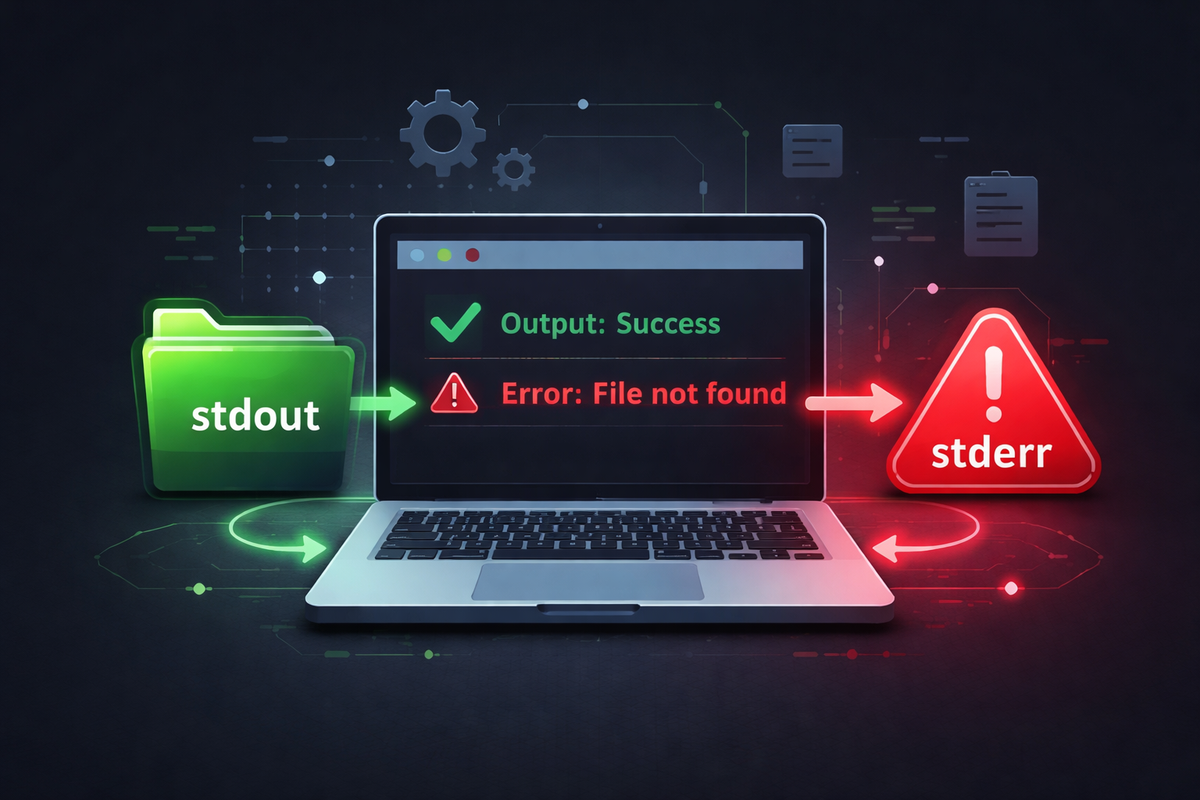
stdout is the standard output used for a program’s normal results, while stderr is the standard error used for error messages.
Although both may appear together on the screen, the operating system handles them as completely separate output streams.
Understanding this distinction is essential for correctly using redirection, separating logs, building pipelines, and designing container logging systems.
Key Summary
Linux does not treat program output as a single stream. Normal results go to stdout, while error messages go to stderr.
Because of this separation, you can store only valid results in a file, collect only errors, or pass only clean output to the next command.
Even though both appear as plain text in the terminal, the shell and OS treat them as entirely different streams.
Why It Matters
If a program had only one output stream, problems would appear immediately. When normal results and error messages are mixed, it becomes inconvenient for humans—but more importantly, it breaks automation.
If you save command output to a file for downstream processing and error messages are included, that file is no longer pure data. It becomes both data and log, leading to parsing failures or incorrect aggregation.
This limitation becomes more critical in pipelines. Unix systems build complex workflows by chaining small commands. If error messages flow into the same stream as valid data, tools like grep, sort, uniq, or awk will treat errors as data, corrupting results.
The operating system separates output streams not for readability, but to protect the integrity of data flow.
In real-world operations, this directly impacts log management. If execution results and error messages are mixed in one file, operators must first figure out whether they are looking at output or logs.
By separating stdout and stderr, results remain clean and errors remain analyzable. This is not just output separation—it is a design that distinguishes system results from system failure signals.
File Descriptors and Structure
Linux represents standard streams with numbers:
0 : stdin
1 : stdout
2 : stderr
Without understanding these numbers, shell syntax looks cryptic.
The operator > is actually 1>, meaning it redirects stdout by default.
Similarly, 2> targets stderr.2>&1 means “send stream 2 to wherever stream 1 is currently going.”
Once you understand this numbering system, redirection becomes something you interpret, not memorize.
Example 1. stdout and stderr are truly separate
echo "hello"
ls /not/exist/path
Output:
hello
ls: cannot access '/not/exist/path': No such file or directory
Explanation:echo "hello" writes to stdout.ls /not/exist/path fails and writes its error to stderr.
They appear together on screen, but internally they travel through different channels.
When to use:
This is the simplest baseline example. When redirection behavior becomes confusing, return to this case.
Seeing output together does not mean it comes from the same stream.
Example 2. Redirect only stdout to a file
echo "hello" > out.txt
ls /not/exist/path
Result:
out.txtcontainshello- The error message from
lsstill appears on screen
Explanation:> redirects only stdout.
The output of echo goes to the file, while stderr from ls remains unaffected.
When to use:
When only valid results should be stored, and errors should remain visible in the console.
Example 3. Redirect only stderr to a file
ls /not/exist/path 2> err.txt
Result:
- Nothing appears on screen
err.txtcontains the error message
Explanation:2> redirects stderr only. Since there is no valid output, everything goes into the error file.
When to use:
When collecting only failure messages, such as in batch jobs or large-scale processing.
Example 4. Combine stdout and stderr into one file
ls /not/exist/path > all.log 2>&1
Result:
- Both normal output and error output are written to
all.log
Explanation:
First, stdout is redirected to the file.
Then, stderr is redirected to follow stdout’s current destination.
Order matters.
When to use:
When a complete execution log is needed for debugging or auditing.
Example 5. Discard all output
command > /dev/null 2>&1
Result:
- No output appears
- Nothing is stored
Explanation:/dev/null discards everything. Both stdout and stderr are redirected there.
When to use:
For background or repetitive tasks where output is unnecessary—but avoid this during debugging.
Practical Use 1. Separating result and error logs
Bad approach:
process_data.sh > result.log 2>&1
Result:
Both valid data and errors are mixed.
Correct approach:
process_data.sh > result.log 2> error.log
Effect:
Clean output and separate error logs ensure both data integrity and diagnosability.
Practical Use 2. Preserving clean pipelines
find /tmp -name "*.log" 2>/dev/null | sort | uniq
Effect:
Only valid file paths flow through the pipeline, while permission errors are suppressed.
Practical Use 3. Container logging
Instead of writing logs to files, applications should write to stdout and stderr:
python app.py
Effect:
Docker or Kubernetes can collect logs directly from standard streams.
This aligns logging with runtime infrastructure instead of filesystem constraints.
Common Mistakes
- Assuming
>captures all output
→ It only redirects stdout - Reversing
2>&1order
→ Redirection order determines behavior - Assuming pipes include stderr
→ Pipes pass only stdout by default - Discarding errors too early
→ You lose debugging information - Mixing result files and logs
→ Breaks both data quality and observability
Related Concepts
stdin is the standard input.
Redirection changes the destination of streams.
Pipes connect stdout to another command’s stdin./dev/null discards data.
Deeper Perspective
From an OS perspective, programs do not “print to the screen.” They write bytes to open file descriptors.
The terminal itself is just another file, which is why stdout and stderr can appear merged visually while remaining logically separate.
This design reflects Unix philosophy. Programs do one thing, output results via stdout, and report issues via stderr.
This separation allows safe composition of small tools into larger systems.
Another key element is exit codes. stdout and stderr carry messages, while exit codes indicate success or failure.
A program can produce no error output and still fail, or produce warnings and still succeed.
Reliable automation requires checking both output streams and exit status.
Summary
stdout is for normal results, stderr is for error messages.
They may appear together, but they are fundamentally separate streams.
This separation enables clean data processing, reliable pipelines, and scalable logging systems.
Redirection is not syntax to memorize—it is control over where stream 1 and stream 2 are sent.
